














💳 Secure Payment

Full-Service Web & Software Agency · Klamath Falls and Redding

Sean Dinwiddie technical articles — page 3

Work with Sean

Author: Sean Dinwiddie

Module 3: Functional reactive programming (FRP)

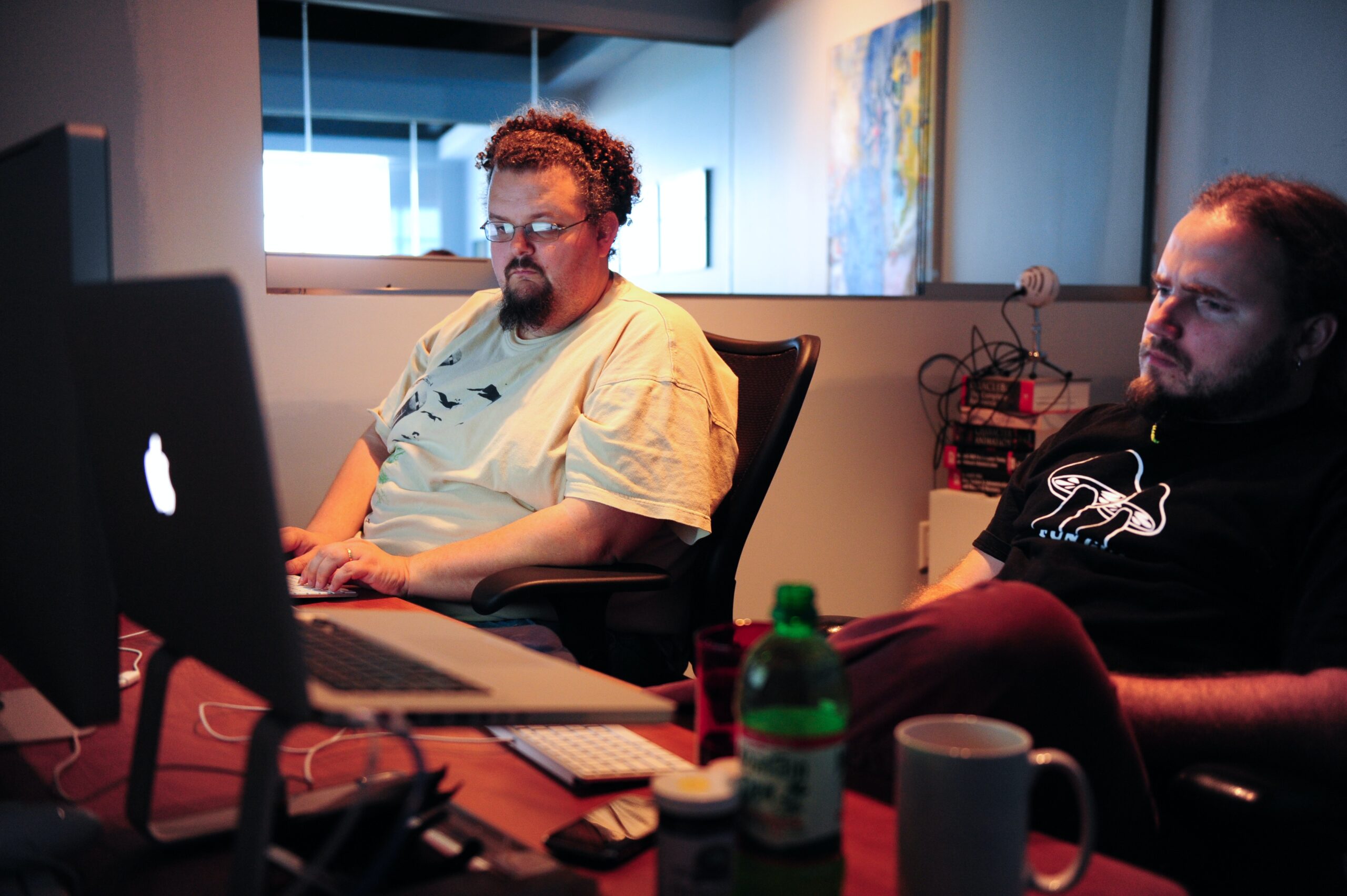
Two developers at a desk, one typing on a laptop while the other watches

Lesson 1

Module 3: Functional reactive programming (FRP)

Module 3 of the community course: functional reactive programming, event streams and building responsive interfaces from them.

Hands typing on a laptop against a dark background

Lesson 2

Introduction to functional reactive programming (FRP)

A starting point for functional reactive programming: the core ideas, the vocabulary and what it is actually good for.

Engineer working at two monitors displaying code in an open-plan office

Lesson 3

Event streams and reactive programming

Event streams and reactive programming, two core ideas of functional reactive programming, and how they make asynchronous data something you can reason about.

Branching blue coral photographed against black

Lesson 4

FRP fundamentals in software development

The core concepts you need before functional reactive programming becomes useful rather than merely clever.

Person in a mustard sweater working on a laptop beside a window

Lesson 5

Discover how FRP enhances user interaction and responsiveness

How functional reactive programming changes the feel of an interface, and why declarative event handling makes responsiveness easier to keep.

Close view of hands typing on a laptop keyboard at a wooden desk

Lesson 6

Apply FRP concepts to software modules

How to apply functional reactive programming to individual software modules, and what changes about their inputs, state and testing when you do.

Module 4: The chain end to end

The Gherkin tower in London photographed from street level

Lesson 1

The API: Haskell Servant and Nile

The API behind a custom app: a Haskell Servant type that states every route, thin handlers and each shop's data kept apart in Nile's Postgres.

Hands drawing a technical diagram in pen on white paper

Lesson 2

From scenario to slice

How a Gherkin scenario becomes a Redux Toolkit slice: the Given sets the state, the When dispatches one event, and each Then reads a selector.

Person studying a wall of colourful sticky notes in a darkened room

Lesson 3

Endpoints at the boundary

Where the client meets the API: one RTK Query root per base URL, generated endpoints reviewed, tags that refetch and every response decoded.

Over a developer’s shoulder, a plain web app open on a laptop beside a bright window

Lesson 4

The view stays minimal

The view that places the order: view-model selectors shape what it shows, the hooks stay thin, and its test reads the screen the way the customer does.

Curved, tiled panels of a building fanning out against a grey sky

Lesson 5

One feature, scope to launch

One feature from written scope to launch: its stories and stack, a declined card through the API, endpoint, slice and view, and the review against the scope.

Module 5: Business automation with AI (agentic skills)

Three colleagues talking around a wooden table with open laptops

Lesson 1

Module 5: Business automation with AI (agentic skills)

Module 5 of the community course: an agent at work on a business process, with typed tools, a skill it loads and a person approving what leaves the building.

Designers sketching mobile app wireframes on paper around a table

Lesson 2

Meetup talk: Business automation with SI (agentic skills)

Module 5 as a twenty-minute meetup talk: the agent loop, skills, a person approving what leaves, email as data, evals on real days and handover.

Hands typing on a laptop set in front of a desktop monitor

Lesson 3

The agent loop and its tools

An agent is a model in a loop with tools: typed tool contracts, stopping conditions as typed outcomes, and a scripted model so tests never call a real one.

Hand drawing on a tablet with a stylus

Lesson 4

Writing an agentic skill

An agentic skill is a folder with a SKILL.md: a description that triggers on the right tasks, instructions from a user story, and evals for every change.

Two people pointing at the same laptop screen while working together

Lesson 5

Automating a business process with a person in the loop

One order typed into three systems, automated end to end: a person approves each order before it's entered, and an email's text is data, never instructions.

Copyright Sean Paul Payne Dinwiddie
All Rights Reserved